Online accounts are important for daily life. People use accounts for email, social media, banking, shopping, games, and school. Accounts contain personal information, photos, messages, and money. Hackers and scammers try to steal accounts. Protecting accounts is very important. Safe accounts prevent theft, fraud, and privacy problems. This article explains how to protect online accounts in 2026.
1. Use Strong Passwords
Passwords are the first line of protection. Weak passwords are easy to guess. Use strong passwords with letters, numbers, and symbols. Make passwords long, at least 12 characters. Avoid using names, birthdays, or simple words. Unique passwords for each account increase security. If one account is hacked, other accounts stay safe.
2. Enable Two-Factor Authentication (2FA)
Two-factor authentication adds extra protection. Accounts need a password and a second step to log in. The second step can be a code sent to phone, email, or app. Even if someone steals a password, they cannot access the account without the code. Enable 2FA on social media, email, banking, and gaming accounts.
3. Avoid Sharing Passwords
Never share passwords with anyone. Friends, classmates, or colleagues should not know passwords. Sharing passwords increases risk. Accounts can be hacked or misused. Keep passwords private. Use a secure password manager to store passwords safely.
4. Use Password Managers
Password managers help create and save strong passwords. Apps like LastPass, Bitwarden, and 1Password store passwords securely. Users do not need to remember every password. Managers fill passwords automatically when logging in. Password managers also warn if passwords are weak or reused.
5. Update Passwords Regularly
Change passwords periodically. If a site warns about a data breach, change the password immediately. Regular updates reduce risk from stolen credentials. Updating passwords is simple but effective. Old passwords may be unsafe over time.
6. Watch for Phishing Attempts
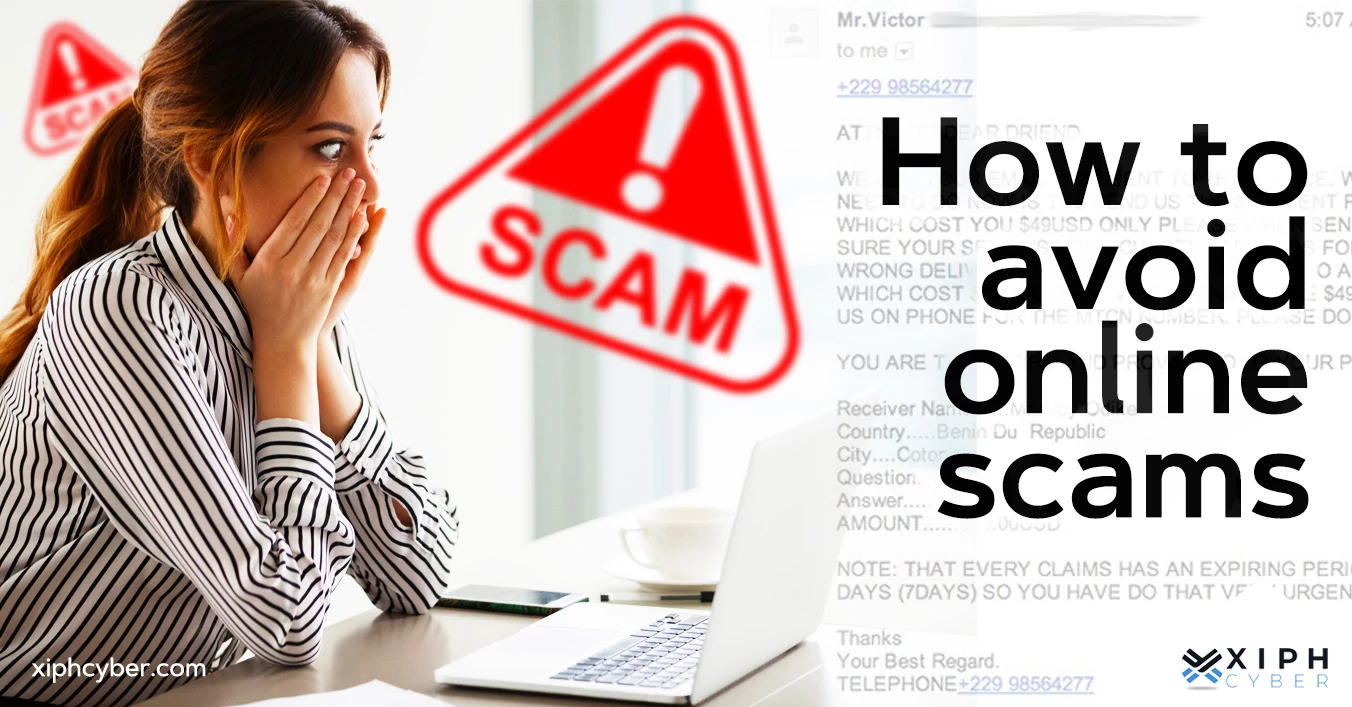
Phishing is when scammers send fake emails or messages. They pretend to be banks, social media, or companies. Messages ask for passwords or personal data. Never click unknown links. Check email sender carefully. Visit websites directly, do not follow suspicious links. Phishing is a common method hackers use to steal accounts.
7. Use Secure Devices and Networks
Public Wi-Fi is risky. Hackers can intercept information on shared networks. Avoid logging in to accounts on public Wi-Fi. Use home or trusted networks. Devices should have antivirus software and latest updates. Secure devices prevent malware that steals passwords and data.
8. Keep Software Updated
Software updates fix security issues. Old apps and operating systems may have vulnerabilities. Update phone, computer, and apps regularly. Updates improve account protection. Enable automatic updates if possible. Updated software prevents hackers from exploiting weaknesses.
9. Review Account Activity
Check account activity regularly. Most services show login history. Look for unknown devices or locations. If suspicious activity appears, change the password immediately. Monitoring accounts helps detect hacking attempts early. Early detection prevents serious damage.
10. Limit Third-Party Access
Some apps request permission to access accounts. Limit app permissions to what is necessary. Remove unused or suspicious apps from account settings. Third-party access can leak data. Careful permission management increases account security.
11. Secure Email Accounts First
Email accounts are key to other accounts. Hackers can reset passwords through email. Protect email with strong password and 2FA. Email security keeps all connected accounts safer. Treat email as the most important account to secure.
12. Avoid Using the Same Password Everywhere
Reusing passwords is risky. If one account is hacked, all accounts with the same password are at risk. Use unique passwords for social media, banking, and games. Unique passwords reduce damage if a hacker accesses one account.
13. Protect Devices Physically
Phones, laptops, and tablets may contain saved passwords and apps. Keep devices safe. Lock devices with PIN, password, or fingerprint. Do not leave devices unattended. Physical security prevents theft and unauthorized access.
14. Log Out from Shared Devices
If using a computer at school, library, or friend’s house, log out after use. Closing browser windows is not enough. Logging out prevents others from accessing your accounts. Shared computers are risky if accounts stay open.
15. Use Strong Security Questions
Security questions help reset accounts. Choose questions with answers only you know. Avoid obvious information like birthday or pet’s name if publicly available. Strong security questions prevent hackers from bypassing passwords.
16. Monitor for Data Breaches
Websites like Have I Been Pwned notify if email or password is leaked. Check accounts regularly. Change passwords if a breach occurs. Awareness helps prevent hackers from using stolen data.
17. Enable Account Recovery Options
Add backup email or phone number to accounts. This helps recover accounts if hacked or password is forgotten. Make sure recovery contacts are secure. Recovery options make account restoration faster and safer.
18. Educate Yourself About Online Risks
Learn about common scams, phishing, and hacking methods. Knowledge helps avoid mistakes. Teens and adults should understand risks of social media, online banking, and email scams. Awareness reduces chances of account compromise.
19. Avoid Storing Passwords in Browsers
Browsers save passwords, but they may be stolen if device is hacked. Password managers are safer. Do not rely only on browser password storage. Extra protection reduces risk of account theft.
20. Be Careful with Public Sharing
Do not share personal information online carelessly. Avoid posting passwords, OTPs, or account details on social media or forums. Hackers can use public information to access accounts. Privacy keeps accounts secure.
Conclusion
Protecting online accounts is essential in 2026. Strong and unique passwords, two-factor authentication, and password managers increase security. Avoid phishing, unsafe networks, and sharing passwords. Update software, monitor account activity, and limit third-party access. Secure email first and use recovery options. Educate yourself about scams and risks. Physical security and careful device use help prevent hacking. Awareness and regular maintenance keep accounts safe. Following these steps protects money, personal information, messages, and social media. Safe accounts make online life easier, productive, and stress-free.